




Staff cost, service by service.
Every day's labor cost, worked out from the time clock and contracts and compared with forecast covers. By service and by department, the next morning: not with the pay stubs a month later.
You find out what staff cost from the pay stubs.
Labor cost is the restaurant's second-biggest cost, and you see it once a month, when the consultant sends the pay stubs. Meanwhile you put three extra people on the Saturday it rained, and nobody linked the schedules to the covers.
- With the pay stubs
A month later, when the work is done.
- Schedules disconnected from covers
Six in the dining room for 178 covers, four for 210.
- One total, no service
You don't know whether it's lunch or dinner, the dining room or the kitchen, that's over.
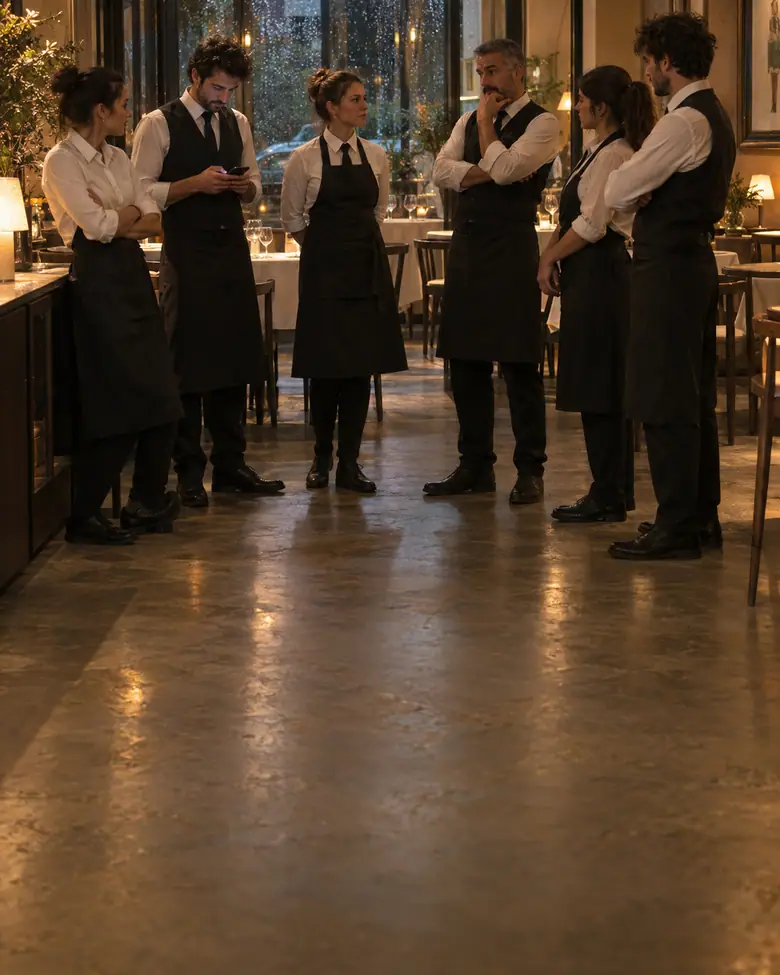
Hours, contracts and covers: yesterday's labor cost, this morning.
Hours come from the time clock, the full hourly cost from contracts, revenue from the POS. Labor cost is worked out every night, per day and per service, and compared with the covers forecast from history and bookings.
Full hourly cost, not gross.
For every contract Ordinoo knows the hourly cost with payroll taxes, benefits and accruals: what you really pay, not what's written on the pay stub. So the 29.8% is real, and it's compared with the same day's revenue, not the month's average.
- Time clock from the phone
Clock-in with location, or from the badge if you have one.
- Forecast covers
History for the same day plus today's bookings.
Not “Saturday”, but the dining room at dinner.
The day's labor cost is an average that hides everything. Split by service and by department it tells you where the problem is: the kitchen is in line, the dining room at dinner isn't. And next time the shift is done with five people, not six.
- Lunch, dinner, department
Every service with its cost and its covers.
- In the next shift
The number goes to whoever plans the schedules, by itself.
Time clock to the payroll provider, in the format they already use.
At month end you don't copy time clock into a spreadsheet: it's already there, with overtime, holidays, leave and supporting documents. Out comes a file in the payroll firm's own format, you send it with one tap, and the pay stubs come back with no questions.
- Real time clock
Clocked from the phone, with location.
- Overtime worked out
Per contract, not from memory.
- In the payroll firm's format
What the consultant imports without touching it.
Bring us last Saturday's schedules,
we'll work out that evening's labor cost
With the schedules worked, the contracts and the POS close we see what every service cost and how many people were really needed. Free and with no commitment: if it's not for you, we'll tell you ourselves.
- The schedules of a real Saturday
- That evening's POS close
- Labor cost by department